 KEMET
POS
Record a POS sale for the current register and branch.
Steps
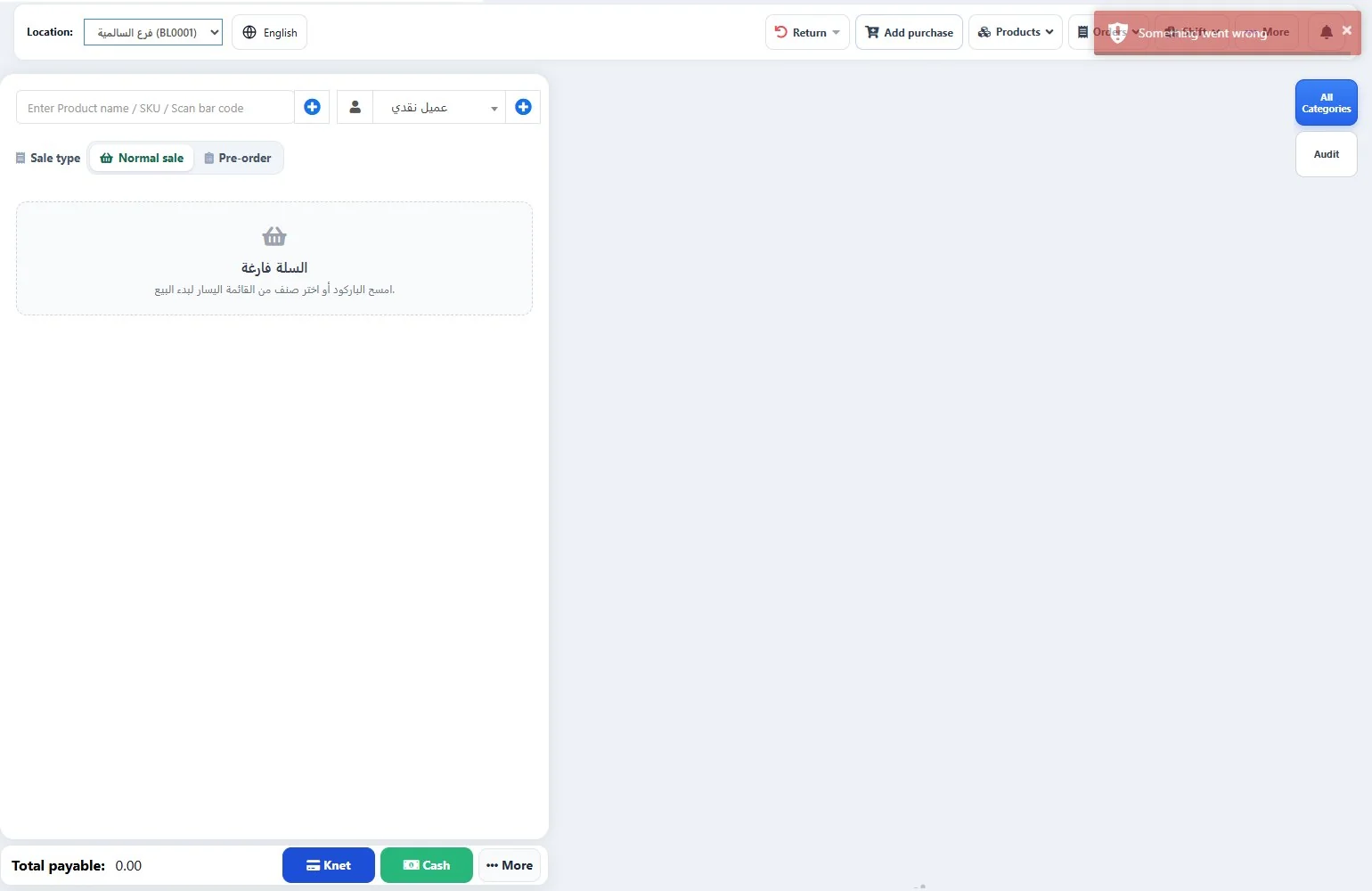
- Open the register with the actual opening cash if prompted.
- Choose the customer for a sale on account.
- Scan the barcode of each variation and check quantity and price.
- Check discounts before payment.
- Select the method and enter the amount actually received.
- Verify the invoice number and balance before handing over the receipt.
Screen path in KEMET
/pos/createField reference
- Customer
- Use the intended account for this sale, especially if money will remain due.
- Item, quantity and price
- Confirm the variation in the row after scanning and check the price shown for it.
- Payment method and amount
- Record what the customer actually hands over or the recorded payment channel.
Worked example
Scan one 50 ml item priced at 5.000 KWD. Record an exact 5.000 KWD cash payment when using the demo register.
The final receipt shows the intended variation, a cash payment and no remaining due amount.
From ChatGPT or Claude
Help me with POS. Ask which branch, reference, or dates you need, and show the relevant data before any changes.
Related connector tools
- Open cash registers
shift_current_shift - Cash register summary
shift_shift_summary - Recent cash register shifts
shift_recent_shifts - Data: cash register shifts
data_cash_registers
Verify the result
- Reopen the receipt from POS and compare its line SKU and payment entry.
Troubleshooting
The operation may have saved before the result appeared.
Search by invoice, customer and branch within the same period before saving again.
The screen or action is missing.
Ask the company administrator to check the add-on, menu visibility, role permissions, and branch scope.
Screen access depends on company settings, the role, and its allowed branches.
Training in the KEMET Academy after signing in /academy/native/cashiers