 KEMET
Units
Maintain units used to enter quantities, such as pieces and cartons.
Steps
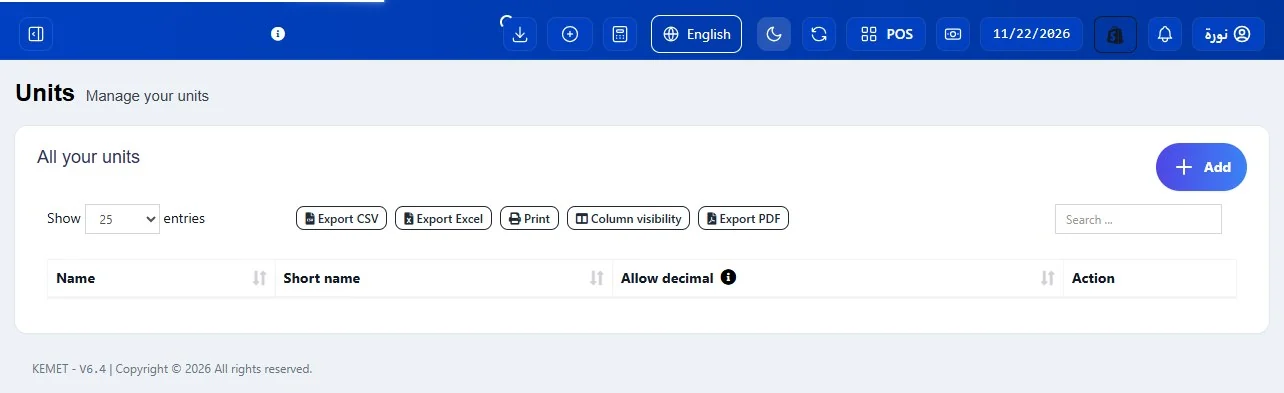
- Review current names and short names.
- Enter the unit name and abbreviation.
- If configuring a base unit conversion, check the number of base units per new unit.
- Verify the unit on the product before purchasing or selling.
Screen path in KEMET
/unitsField reference
- Unit name and short name
- The full name and short label used in quantity entry and documents.
- Allow decimals
- Choose whether this unit can be entered in fractional quantities.
- Base unit
- Use it when the new unit represents a fixed number of another unit.
Worked example
Create a carton unit made of 12 pieces for a demo packaged item. Use the saved base unit and its multiplier.
Check the unit and conversion in the product’s purchase form before recording quantities.
Verify the result
- Compare the conversion shown in setup with the number of units on the box.
Troubleshooting
The results include the wrong product or option.
Use the exact variant code and review filters and branch access before committing.
The screen or action is missing.
Ask the company administrator to check the add-on, menu visibility, role permissions, and branch scope.
Screen access depends on company settings, the role, and its allowed branches.