 KEMET
Record barcodes
Match packaging codes to products and review unknown barcodes.
Steps
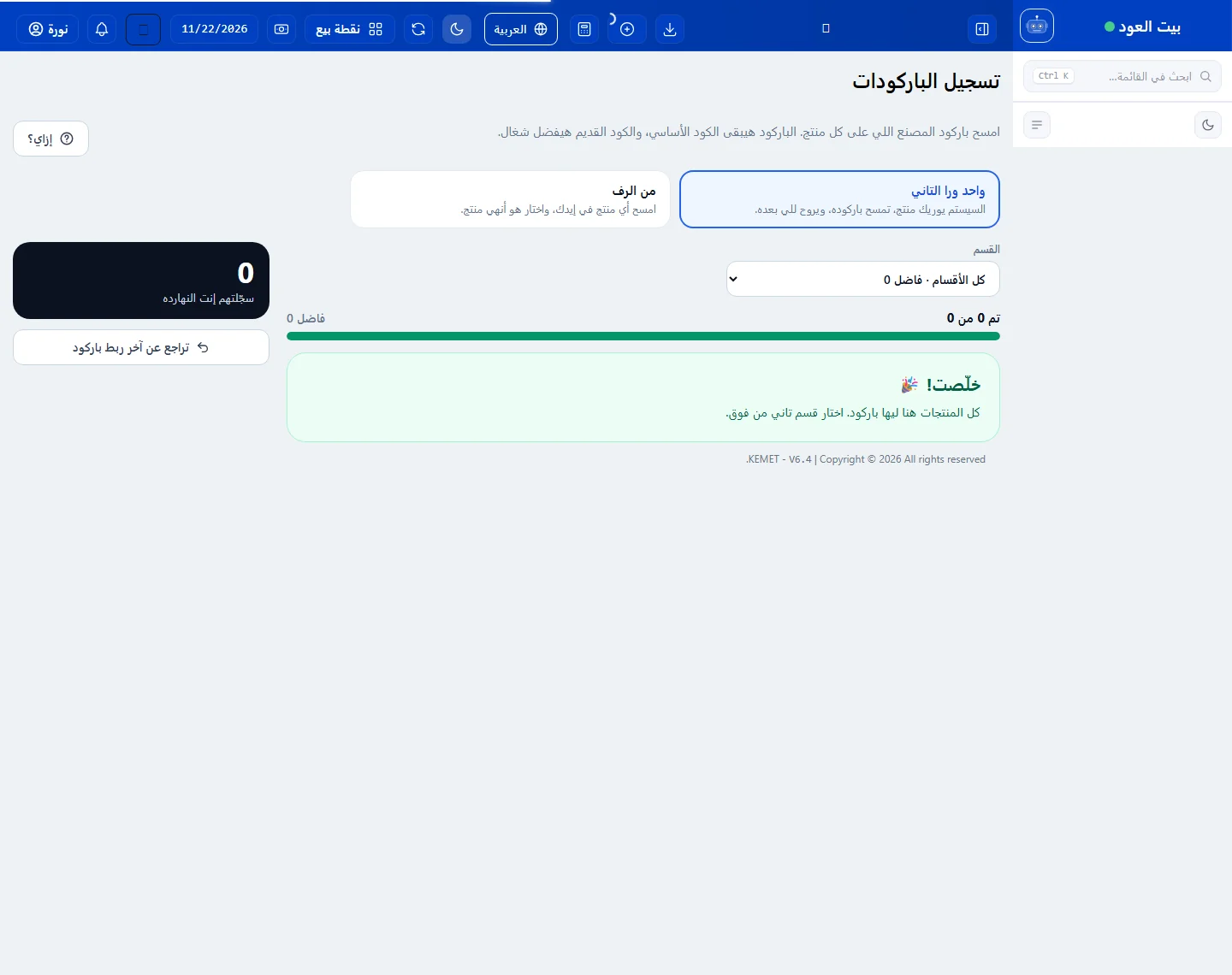
- Scan the code or enter it exactly, including leading zeros.
- Verify the matched product and option.
- If it is unknown, use the quick product form when available to your role.
- Review drafts or review requests before using the product in a sale.
Screen path in KEMET
/barcode-captureField reference
- Barcode
- The full scanned or typed code. It identifies the exact option when each size has its own barcode.
- Match
- Check the displayed product and size before treating the scan as recognized.
- Review queue
- Unknown records may need a manager review before staff use a new product.
Worked example
Scan an 0180000421 label from a test 100 ml bottle. Compare the identified size with the bottle.
A recognized code opens the exact option. An unknown code remains identifiable for review.
From ChatGPT or Claude
Help me with Record barcodes. Ask which branch, reference, or dates you need, and show the relevant data before any changes.
Verify the result
- Scan the same label again and confirm it still points to the intended option.
Troubleshooting
The results include the wrong product or option.
Use the exact variant code and review filters and branch access before committing.
The screen or action is missing.
Ask the company administrator to check the add-on, menu visibility, role permissions, and branch scope.
Screen access depends on company settings, the role, and its allowed branches.
Training in the KEMET Academy after signing in /academy/native/products