 KEMET
Product Portions
Configure portions that split a product by weight or unit when enabled.
Steps
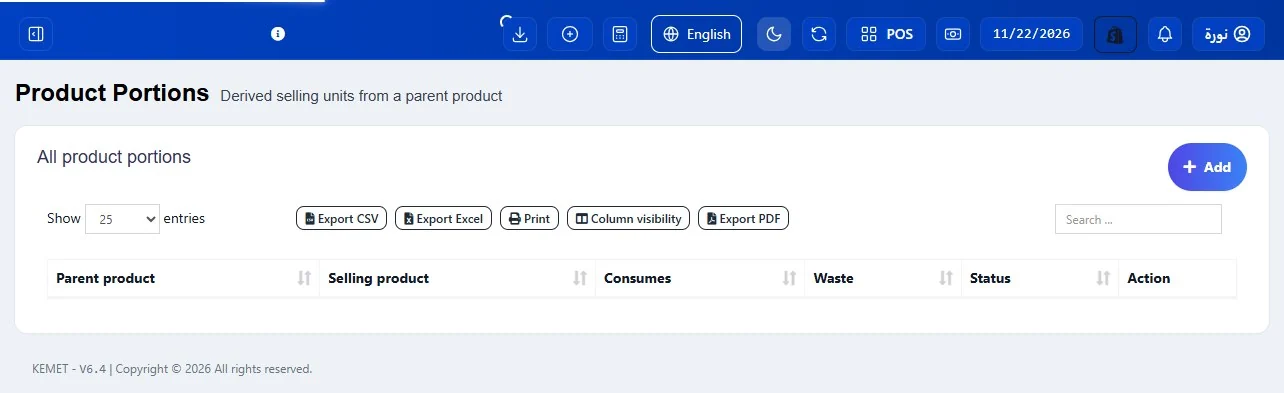
- Open Product Portions and review existing portions.
- Choose the product and portion unit in the form.
- Check the portion size before applying the change.
- Check the intended selling unit on the sale screen.
Screen path in KEMET
/product-portionsField reference
- Parent variation
- The stock item consumed when producing portions.
- Sell variation
- The catalog option that represents the portion sold or tracked separately.
- Units and conversion
- Check both quantities and units in the rule before saving it.
Worked example
In the demo, review a case that is split into 12 individually tracked units. Match the actual child SKU before saving the rule.
The selected source and sell variation match the rule, and the selling screen shows the intended unit.
Verify the result
- Reopen the portion and compare the units and conversion against the physical package size.
Troubleshooting
The results include the wrong product or option.
Use the exact variant code and review filters and branch access before committing.
The screen or action is missing.
Ask the company administrator to check the add-on, menu visibility, role permissions, and branch scope.
Screen access depends on company settings, the role, and its allowed branches.