 KEMET
Online Orders
Manage the Retail storefront and its ordering settings.
Steps
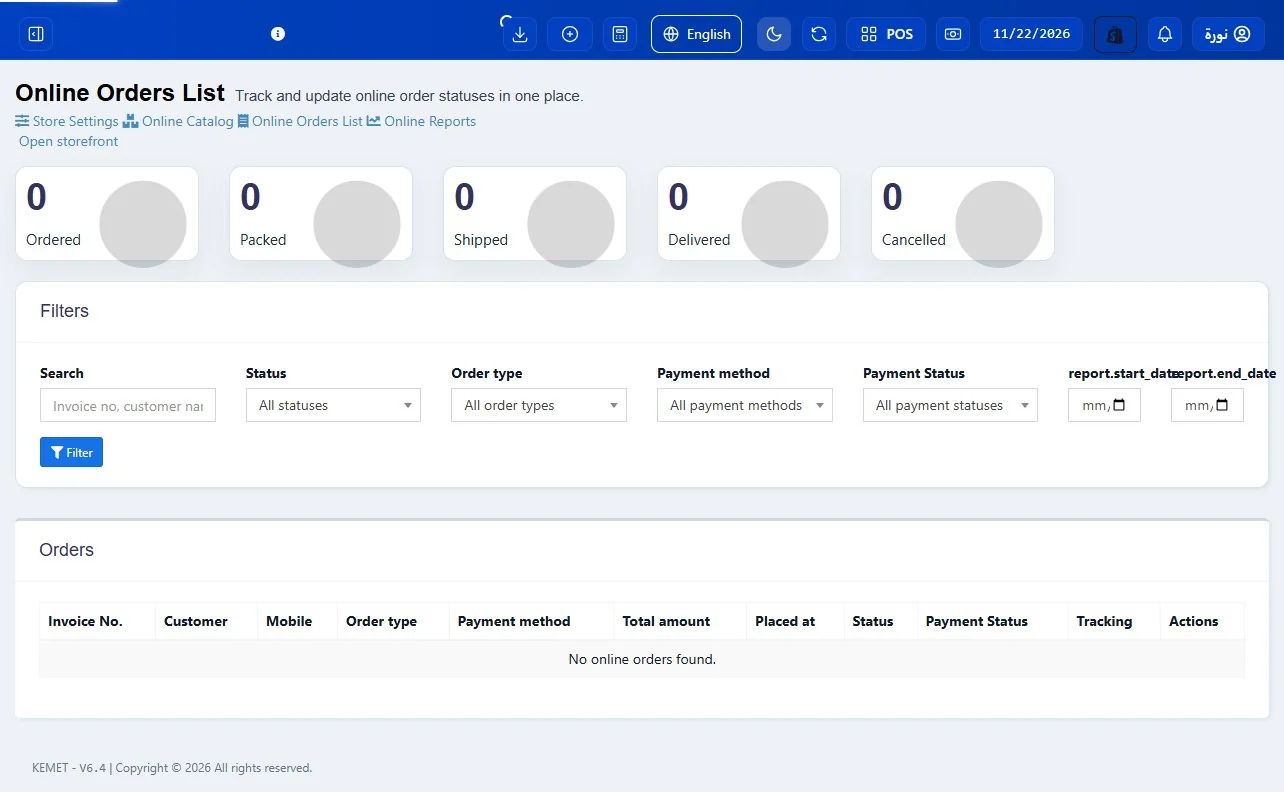
- Open Online Orders.
- Check store details and the branches that accept orders.
- Open Catalog to review products offered online.
- Check the storefront for the intended branch before opening it to customers.
Screen path in KEMET
/online-ordersField reference
- Order number
- Links the list, details, and activity for the same order.
- Status
- Distinguishes a new order from one moving through preparation or handoff.
Worked example
Open a training order and identify delivery method and current stage.
Confirm the order reference in the detail screen before changing its stage.
Verify the result
- Check the storefront for the intended branch before opening it to customers.
Troubleshooting
The result does not match the intended record.
Check the original reference, name, and filters before repeating the operation.
The screen or action is missing.
Ask the company administrator to check the add-on, menu visibility, role permissions, and branch scope.
Requires the applicable OnlineOrders feature for the company and access for the signed-in user.