 KEMET
Store reports
Review online order activity in its reporting screen.
Steps
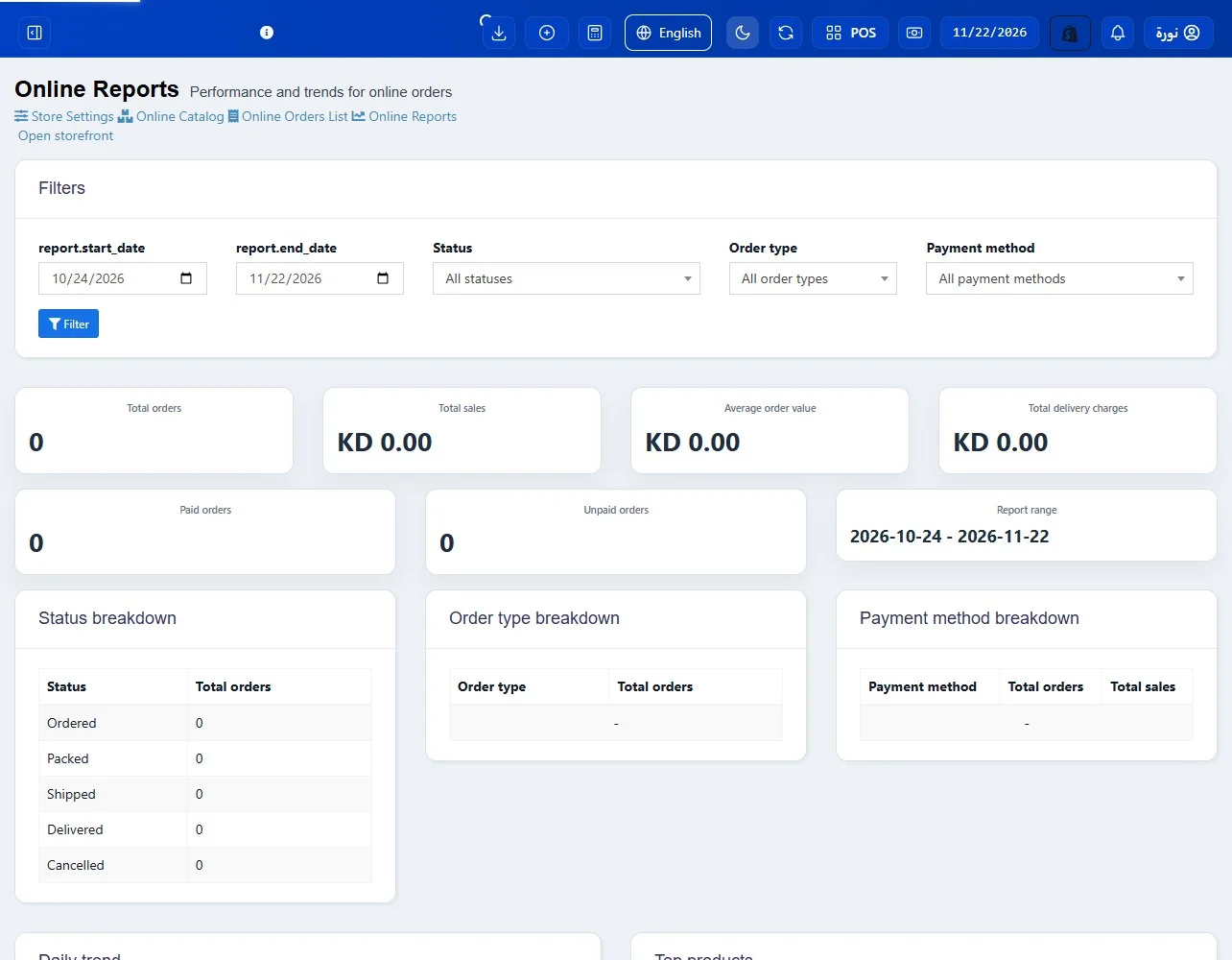
- Select the review period where available.
- Choose the relevant location where the branch filter is offered.
- Review both statuses and totals.
- Compare totals with individual orders over the same period before exporting.
Screen path in KEMET
/online-orders/reportsField reference
- Period
- Controls the order dates included in the figures.
- Order status
- Confirm how the report and source list treat each status.
Worked example
Review a test week containing a confirmed order and a cancellation and reconcile the totals.
Match dates and order states before comparing figures with a different sales report.
Verify the result
- Compare totals with individual orders over the same period before exporting.
Troubleshooting
The result does not match the intended record.
Check the original reference, name, and filters before repeating the operation.
The screen or action is missing.
Ask the company administrator to check the add-on, menu visibility, role permissions, and branch scope.
Requires the applicable Online Orders feature for the company and access for the signed-in user.