 KEMET
Checkout rules
Maintain checkout rules and the payment choices customers see.
Steps
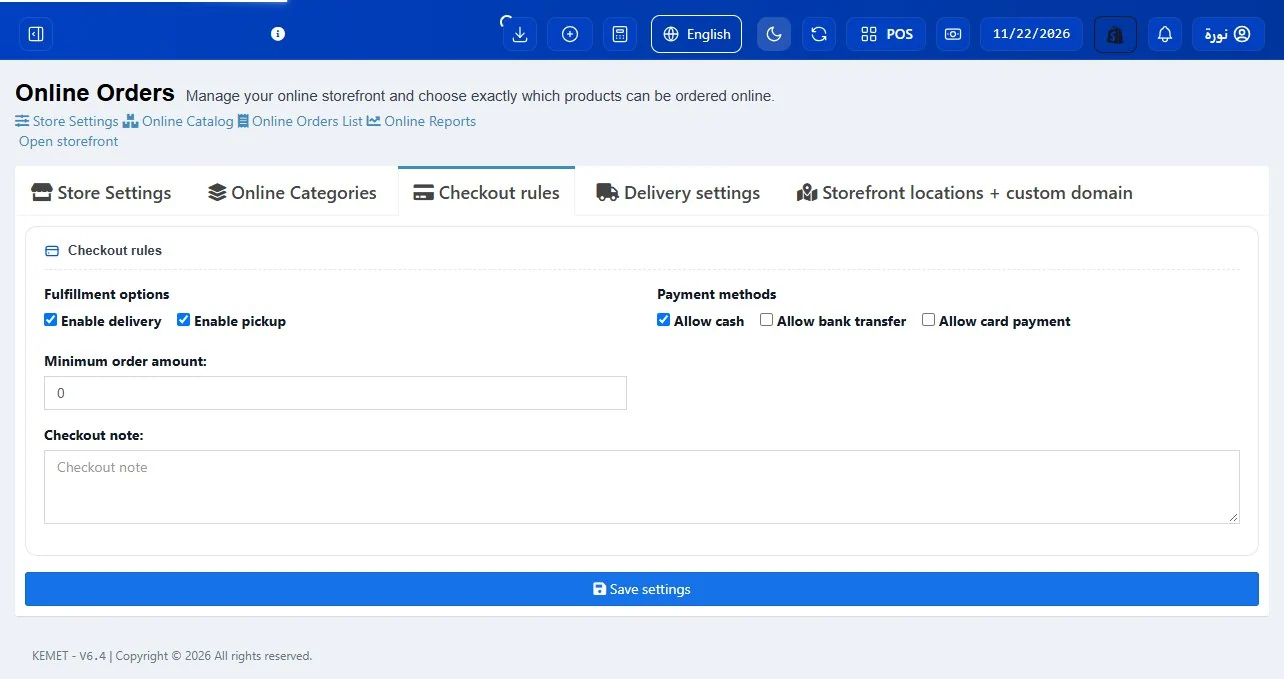
- Open Checkout rules.
- Review required fields and enabled payment methods.
- Check the configured values against company rules before saving.
- Preview a trial cart and verify totals and choices.
Screen path in KEMET
/online-orders/settings/checkoutField reference
- Checkout rules
- Control the requirements and options shown during submission.
- Payment choices
- Review which choices the storefront presents for the configured store.
Worked example
Test one checkout rule with one failing cart and one compliant cart in training.
Check that the checkout message or available choice matches the saved setting.
Verify the result
- Preview a trial cart and verify totals and choices.
Troubleshooting
The result does not match the intended record.
Check the original reference, name, and filters before repeating the operation.
The screen or action is missing.
Ask the company administrator to check the add-on, menu visibility, role permissions, and branch scope.
Requires the applicable Online Orders feature for the company and access for the signed-in user.