 KEMET
Online categories
Organize online categories so customers can find products.
Steps
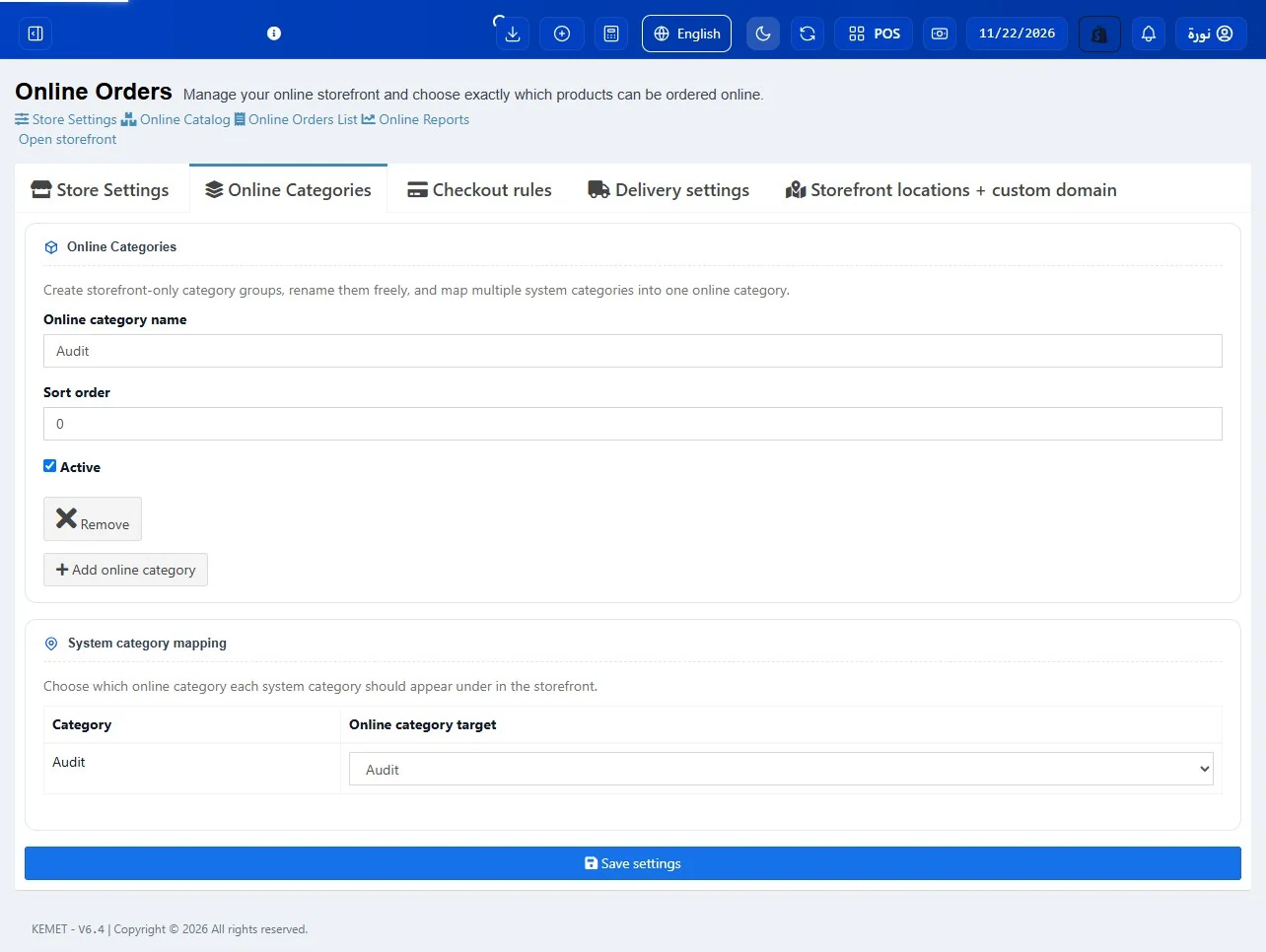
- Open Online categories.
- Review which categories appear and their order.
- Save the intended display order.
- Open a category as a customer and verify its items.
Screen path in KEMET
/online-orders/settings/categoriesField reference
- Category name
- The label shown in storefront navigation.
- Product placement
- Check which listings appear under it after a change.
Worked example
Review the Perfume category in a training store and locate the newly listed item.
Verify the section label and product placement as a visitor.
Verify the result
- Open a category as a customer and verify its items.
Troubleshooting
The result does not match the intended record.
Check the original reference, name, and filters before repeating the operation.
The screen or action is missing.
Ask the company administrator to check the add-on, menu visibility, role permissions, and branch scope.
Requires the applicable Online Orders feature for the company and access for the signed-in user.