 KEMET
Logs
Review assistant activity to determine whether an operation completed or was refused.
Steps
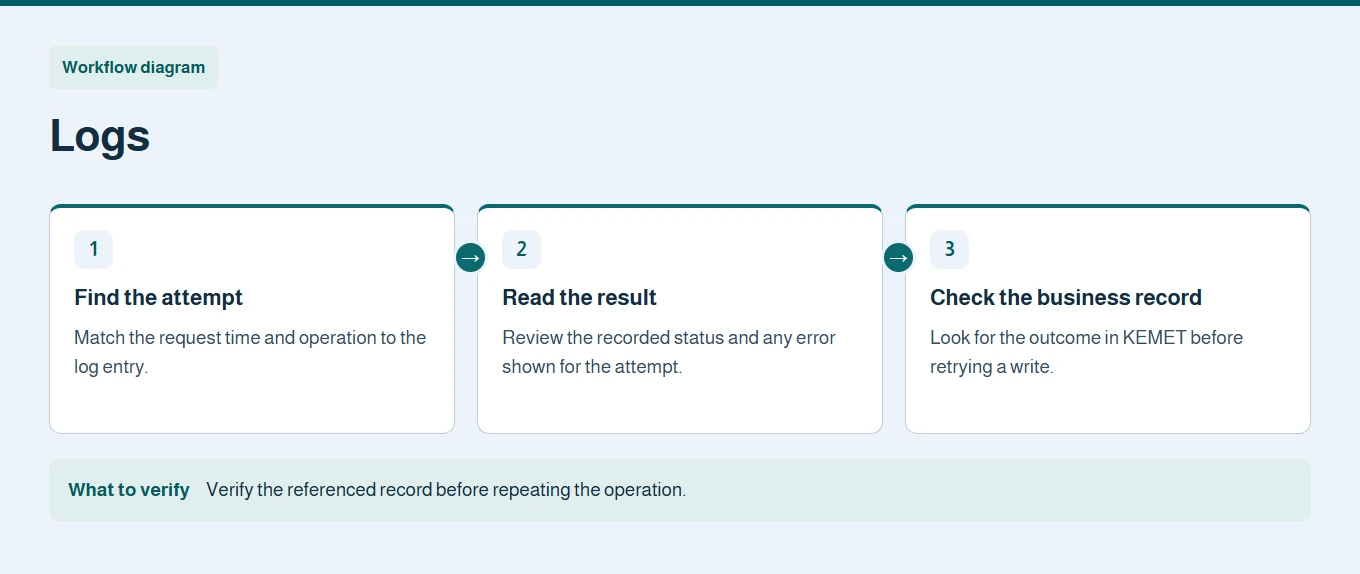
- Set the relevant period where available.
- Find the record by time or operation.
- Read its status and any reported error.
- Check the business record before retrying a write.
Screen path in KEMET
/assistant/logsField reference
- Operation
- Distinguish a lookup, preview, and executed change.
- Status
- See whether the request executed, was cancelled, or was refused.
Worked example
A colleague says they changed a size code; locate the SKU operation and examine its state.
Compare the reference and outcome with the product record without replaying the action.
Verify the result
- Check the business record before retrying a write.
Troubleshooting
The result does not match the intended record.
Check the original reference, name, and filters before repeating the operation.
The screen or action is missing.
Ask the company administrator to check the add-on, menu visibility, role permissions, and branch scope.
Screen access depends on company settings, the role, and its allowed branches.