 KEMET
Financial reporting & XBRL
Review financial reporting outputs for the relevant company and period.
Steps
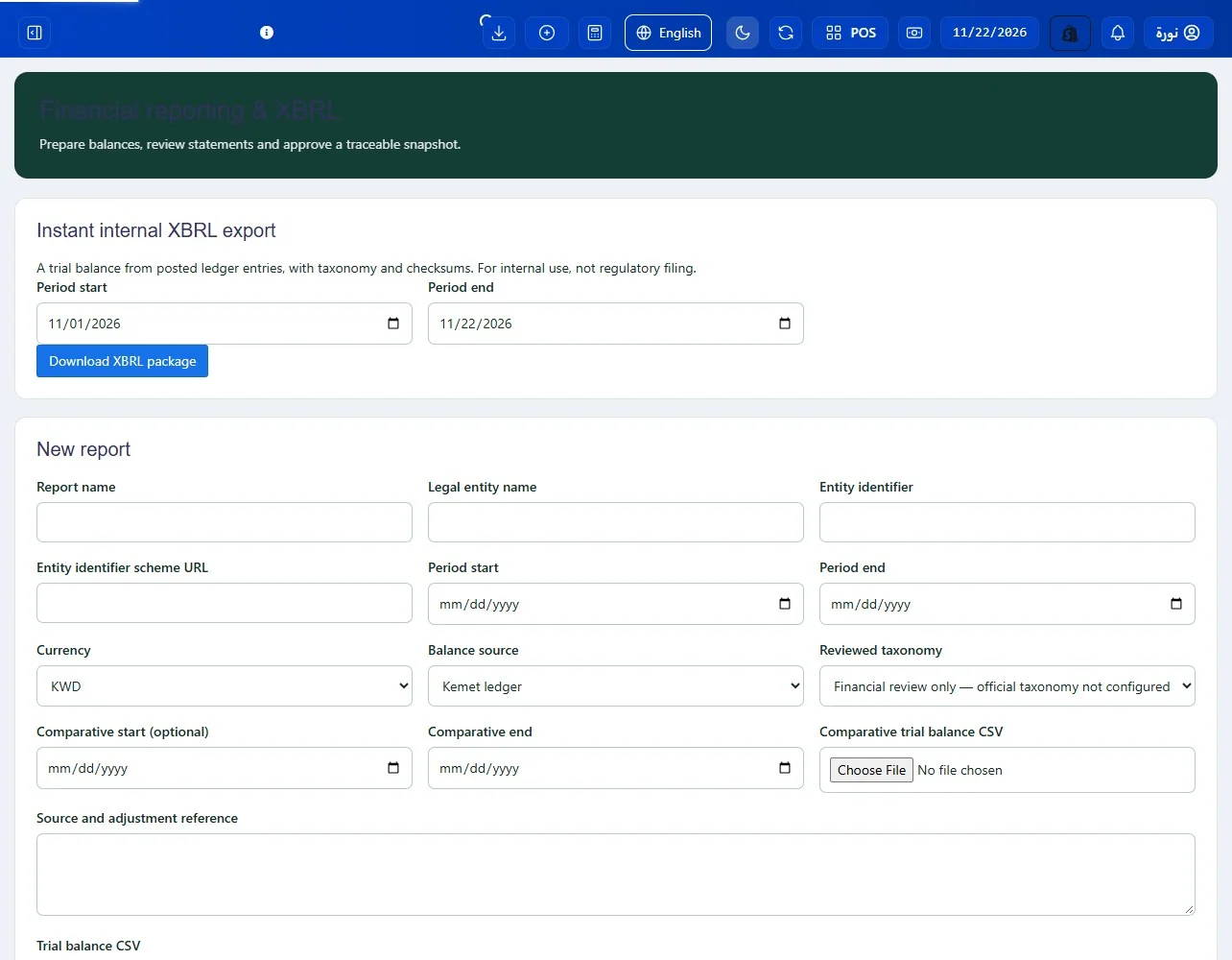
- Open financial reporting.
- Select the company and reporting period where asked.
- Reconcile totals with the trial balance for the same period.
- Have the responsible accountant review the values before using a formal export.
Screen path in KEMET
/account/financial-reportingField reference
- Start and end
- Reporting period. Imported balances must cover the same period.
- Ledger or import
- Use ledger data or upload an approved trial balance CSV, according to the reporting run.
- Currency and entity details
- Identify the reporting company and denomination. Select the approved reporting profile when applicable.
Worked example
Download the internal October XBRL package after the October ledger is final and provide it to the accountant for review.
The trial-balance package reflects posted ledger entries for the selected dates and includes its taxonomy and checksums.
Verify the result
- Match the exported trial balance to the ledger with the same date range.
- For an external filing workflow, check the run’s profile and required approval stages with the accountant.
Troubleshooting
The amount does not match the document or expected balance.
Check date, branch, source, and prior payments with the account owner before posting another entry.
The screen or action is missing.
Ask the company administrator to check the add-on, menu visibility, role permissions, and branch scope.
Screen access depends on company settings, the role, and its allowed branches.