 KEMET
List Accounts
Review payment account balances and use the appropriate transfer or deposit form.
Steps
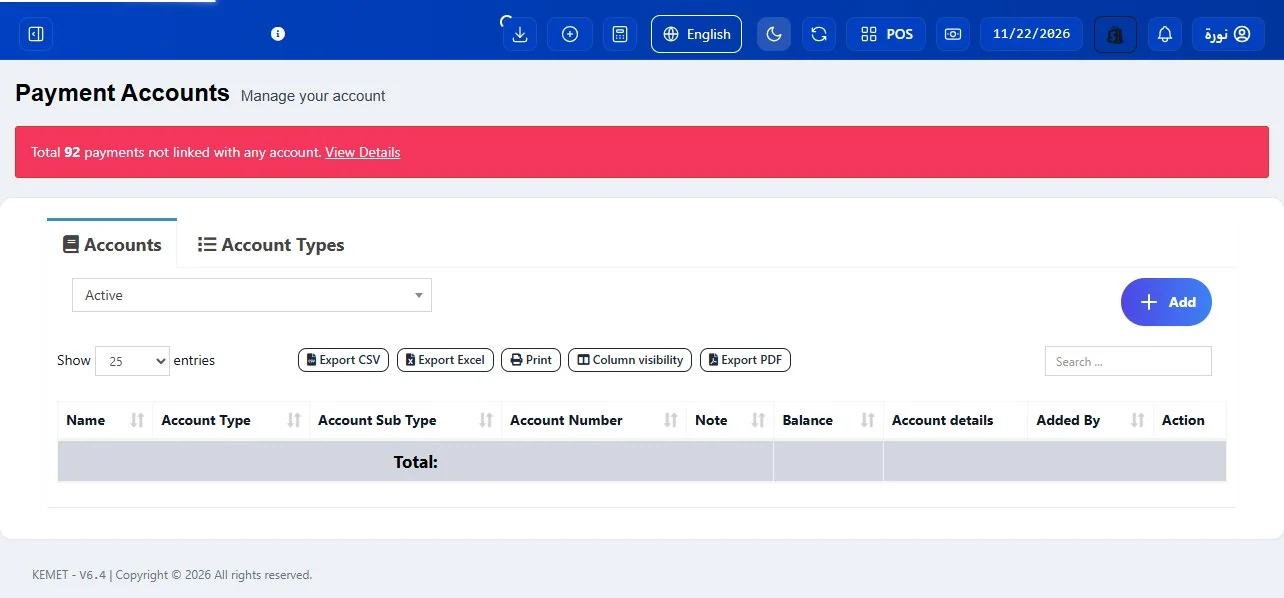
- Open the account and reconcile its balance and movement history.
- Choose the action that matches the actual money movement.
- For transfers, check the source, destination, amount, and date.
- After saving, verify entries in both accounts.
Screen path in KEMET
/account/accountField reference
- Account
- Use the name and number to distinguish accounts with similar names.
- Transactions
- Open one account to inspect the direction, reference and amount of each movement.
- Deposit or transfer
- A deposit funds the selected account. A transfer also identifies another account for the other side of the movement.
Worked example
Look up Bank 1015 and reconcile a deposit of 500 with the bank statement reference DEP-04.
You can identify a single transaction with the expected amount, date and reference.
From ChatGPT or Claude
Help me with List Accounts. Ask which branch, reference, or dates you need, and show the relevant data before any changes.
- Identify the completed transfer or deposit, relevant accounts, date, amount, and reference.
- Review the ledger preview before confirming. The action records the movement inside KEMET.
- Check the posted account movement and date.
Verify the result
- Open the transaction list and compare the reference before creating any missing movement.
- For a transfer, review the destination account too.
Troubleshooting
The amount does not match the document or expected balance.
Check date, branch, source, and prior payments with the account owner before posting another entry.
The screen or action is missing.
Ask the company administrator to check the add-on, menu visibility, role permissions, and branch scope.
Screen access depends on company settings, the role, and its allowed branches.