 KEMET
Publish KEMET products
Publish selected Retail products to the connected Shopify store.
Steps
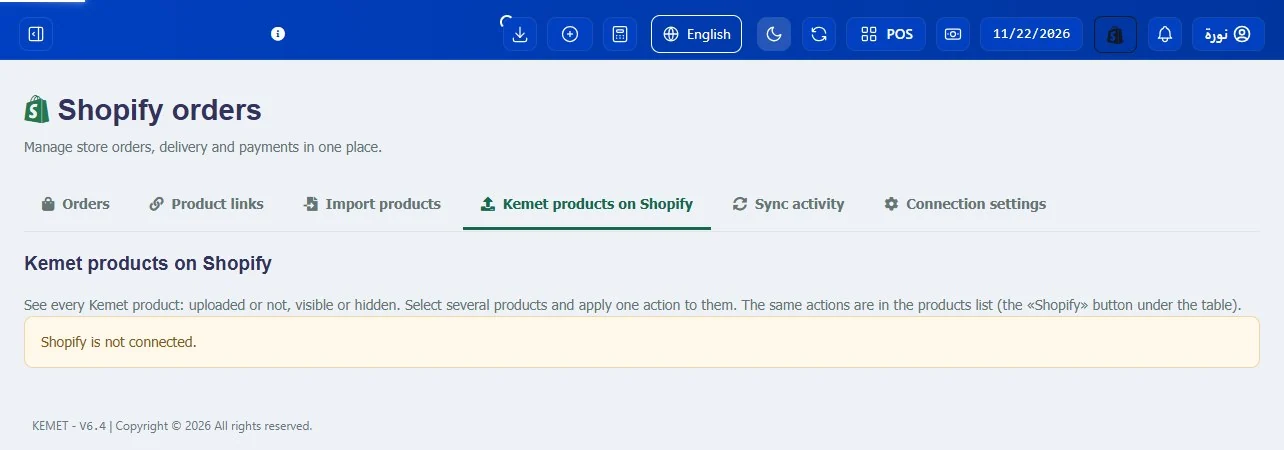
- Select the KEMET products to publish.
- Review codes, prices, options, and images per item.
- Set the intended scope or collection where offered.
- After approval, check publishing results in KEMET and the linked storefront.
Screen path in KEMET
/retail/shopify/kemet-productsField reference
- Product selection
- Choose the exact KEMET product and variants.
- Visibility
- Confirm the requested draft or visible state.
- Existing links
- Check variant links to avoid unintended duplicates.
Worked example
Prepare one training product with two sizes and review media, prices, and visibility.
Compare the activity entry and the store product with the reviewed values.
From ChatGPT or Claude
Help me with Publish KEMET products. Ask which branch, reference, or dates you need, and show the relevant data before any changes.
Verify the result
- After approval, check publishing results in KEMET and the linked storefront.
Troubleshooting
An order or product is missing locally.
Check the connection, variant match and sync log before creating a sale or attempting another sync.
The screen or action is missing.
Ask the company administrator to check the add-on, menu visibility, role permissions, and branch scope.
Requires the applicable Shopify feature for the company and access for the signed-in user.
Training in the KEMET Academy after signing in /academy/native/shopify_products