 KEMET
Shopify catalog import
Review Shopify catalog import and the outcome per item or variation.
Steps
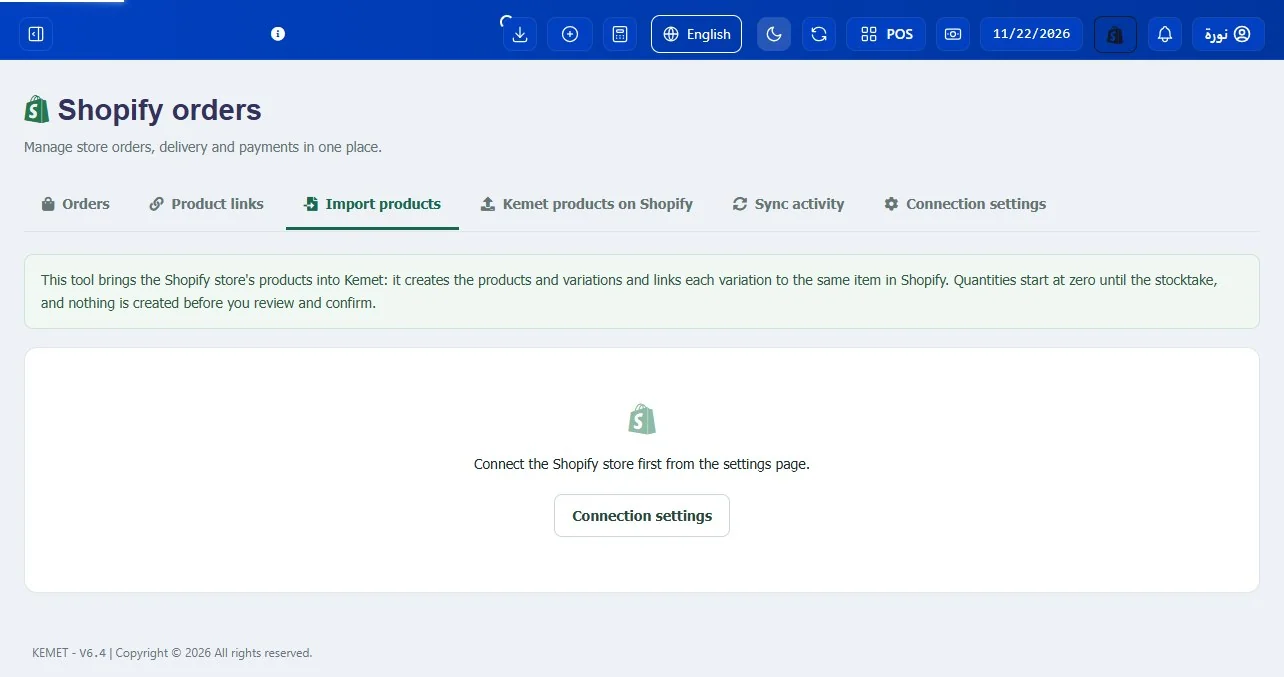
- Verify the intended store connection in Settings.
- Open catalog import and choose the scope to review.
- Check matched products and rows requiring manual decisions.
- Run the authorized import and verify its activity log and sample variants.
Screen path in KEMET
/retail/shopify/catalogField reference
- Catalog scope
- Identifies the products and variants included in the selected import.
- Matching
- Review each SKU, variant identity, and existing link.
Worked example
Preview a training collection containing one item with two variants.
Open the test result and confirm variant count and the intended links.
Verify the result
- Run the authorized import and verify its activity log and sample variants.
Troubleshooting
An order or product is missing locally.
Check the connection, variant match and sync log before creating a sale or attempting another sync.
The screen or action is missing.
Ask the company administrator to check the add-on, menu visibility, role permissions, and branch scope.
Requires the applicable Shopify feature for the company and access for the signed-in user.
Training in the KEMET Academy after signing in /academy/native/shopify_products