 KEMET
Shopify code tool
Review catalog codes that require attention for Shopify linking.
Steps
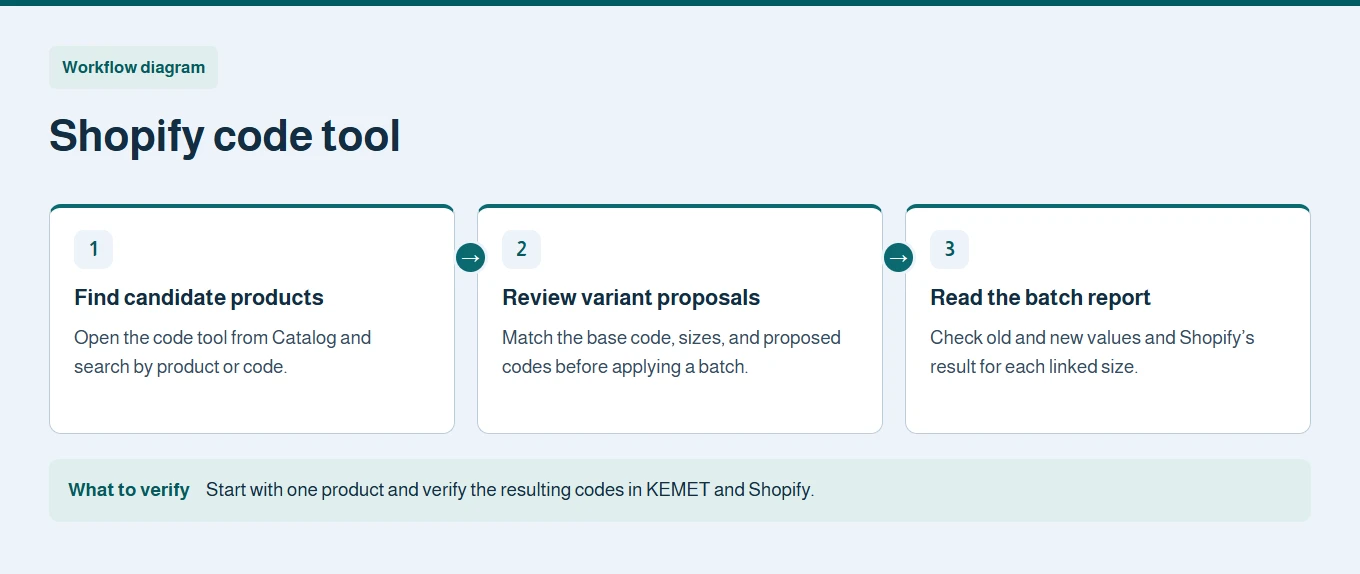
- Open the code tool from Shopify Catalog.
- Match each row to the intended variant.
- Review the batch report before changing or uploading any code.
- Return to the linked item to verify the result.
Screen path in KEMET
/retail/shopify/catalog/codes-toolField reference
- Base code
- Review the product's identifier used for deriving variant codes.
- Preview result
- Compare old and proposed codes and inspect duplicate warnings.
Worked example
Prepare codes for two test sizes under the same base code and review both lines.
After testing, confirm product identity, variant codes, and associated links.
Verify the result
- Return to the linked item to verify the result.
Troubleshooting
An order or product is missing locally.
Check the connection, variant match and sync log before creating a sale or attempting another sync.
The screen or action is missing.
Ask the company administrator to check the add-on, menu visibility, role permissions, and branch scope.
Requires the applicable Shopify feature for the company and access for the signed-in user.
Training in the KEMET Academy after signing in /academy/native/shopify_products