 KEMET
Stock Recalculation
Review a stock reconciliation run with the inventory administrator.
Steps
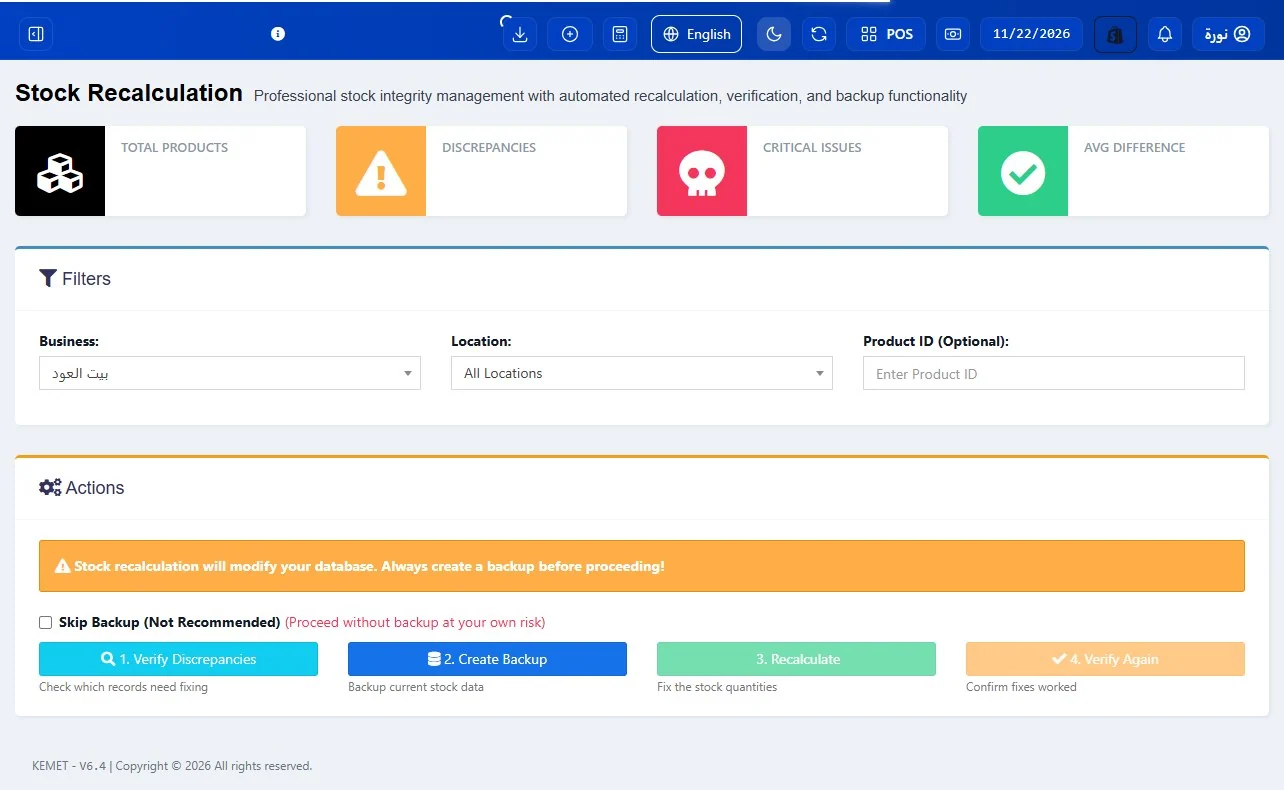
- Open Stock Recalculation.
- Check the branch and product scope the tool applies to.
- Use any offered check and reconcile it with movement history.
- Check resulting balances and keep the reference.
Screen path in KEMET
/stock-recalculationField reference
- Stock scope
- Match the item, variation, and branch to the balance being investigated.
- Maintenance outcome
- Review the result and any conflicts or errors.
Worked example
A variation has a movement in Salmiya but a different displayed balance, so record both before testing.
Reopen the same branch and variation after the test and compare the balance with the movement history.
Verify the result
- Check resulting balances and keep the reference.
Troubleshooting
The result does not match the intended record.
Check the original reference, name, and filters before repeating the operation.
The screen or action is missing.
Ask the company administrator to check the add-on, menu visibility, role permissions, and branch scope.
Requires the applicable StockRecalculation feature for the company and access for the signed-in user.