 KEMET
Tax Rates
Review tax rates used by the catalog and invoices under company policy.
Steps
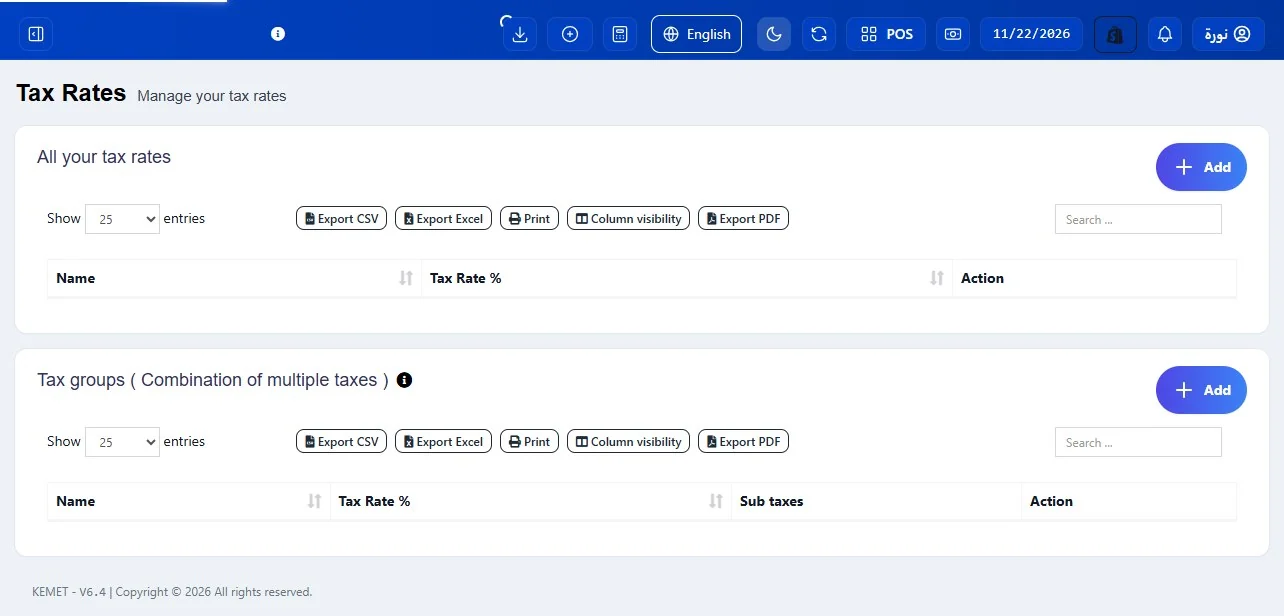
- Open the relevant rate.
- Confirm its name and percentage with the accountant.
- Review affected products and documents before changing it.
- Check a sale preview for the expected inclusive price and invoice total.
Screen path in KEMET
/tax-ratesField reference
- Rate name
- Identifies the tax in the document selector.
- Percentage
- Read it together with the document's tax treatment.
Worked example
Preview a training invoice with 5% added to a 20 KWD price.
In the example, confirm 1 KWD tax and 21 KWD total.
Verify the result
- Check a sale preview for the expected inclusive price and invoice total.
Troubleshooting
The result does not match the intended record.
Check the original reference, name, and filters before repeating the operation.
The screen or action is missing.
Ask the company administrator to check the add-on, menu visibility, role permissions, and branch scope.
Screen access depends on company settings, the role, and its allowed branches.