 KEMET
Package Subscription
Review a company's subscription and included features.
Steps
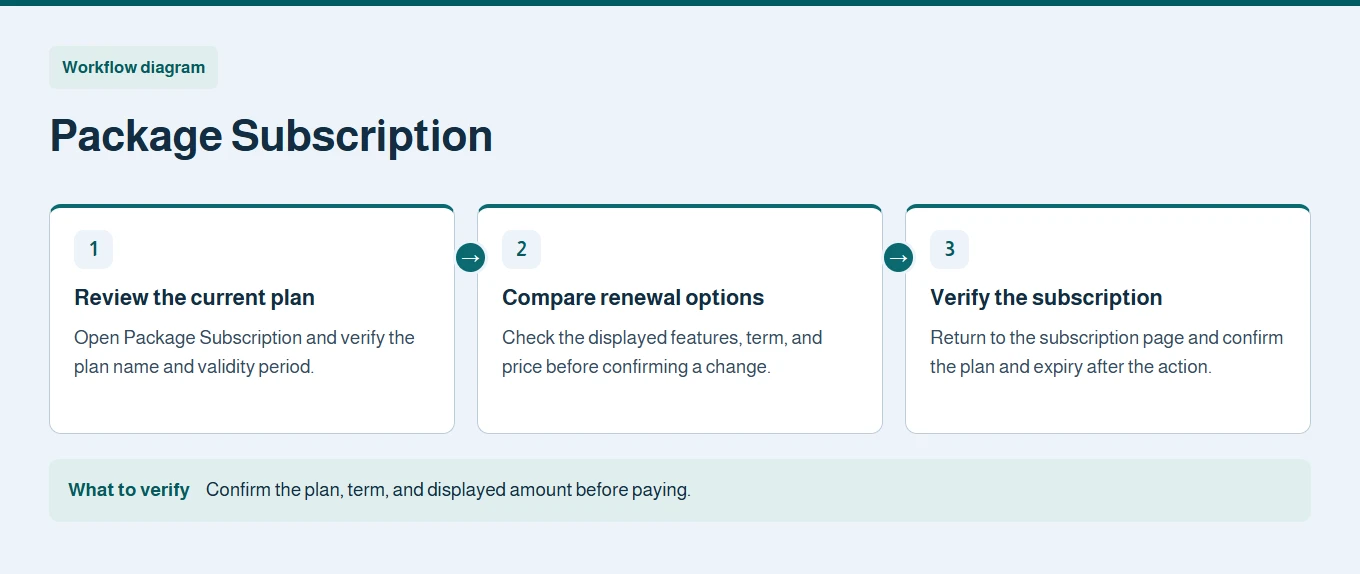
- Open Package Subscription for the intended business.
- Review the plan name, validity and features.
- Check offered renewal or plan changes.
- Review amount and term before confirming an action.
Screen path in KEMET
/subscriptionField reference
- Package
- Check which features are included.
- Status and period
- Review subscription state and the displayed period before acting.
Worked example
Check whether a test add-on is available under the current plan.
Compare plan availability and user permissions with actual screen access.
Verify the result
- Review amount and term before confirming an action.
Troubleshooting
The result does not match the intended record.
Check the original reference, name, and filters before repeating the operation.
The screen or action is missing.
Ask the company administrator to check the add-on, menu visibility, role permissions, and branch scope.
Requires the applicable Superadmin feature for the company and access for the signed-in user.