 KEMET
Notification Templates
Maintain notification templates and their dynamic fields.
Steps
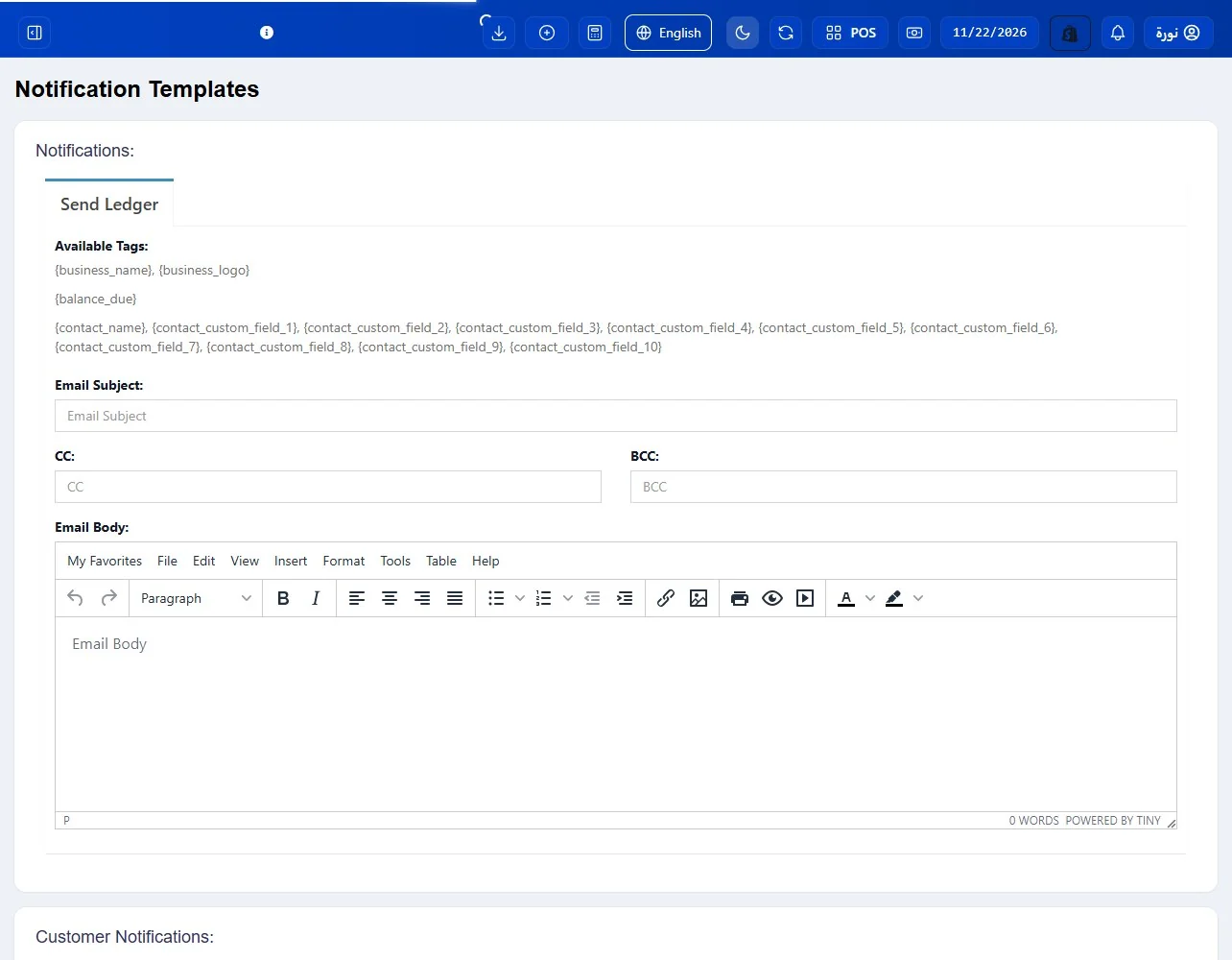
- Open the template for the relevant event.
- Review language and fields such as customer name or reference.
- Preserve placeholder syntax while editing the text.
- Check the preview or a test message before messaging customers.
Screen path in KEMET
/notification-templatesField reference
- Notification type
- Identifies the workflow using the template.
- Message fields
- Use available placeholders and inspect the resulting reference.
Worked example
Test a training template with an invoice number you know.
Compare the displayed message and reference with the document.
Verify the result
- Check the preview or a test message before messaging customers.
Troubleshooting
The result does not match the intended record.
Check the original reference, name, and filters before repeating the operation.
The screen or action is missing.
Ask the company administrator to check the add-on, menu visibility, role permissions, and branch scope.
Screen access depends on company settings, the role, and its allowed branches.