 KEMET
Invoice Settings
Review invoice numbering and formatting used by a branch.
Steps
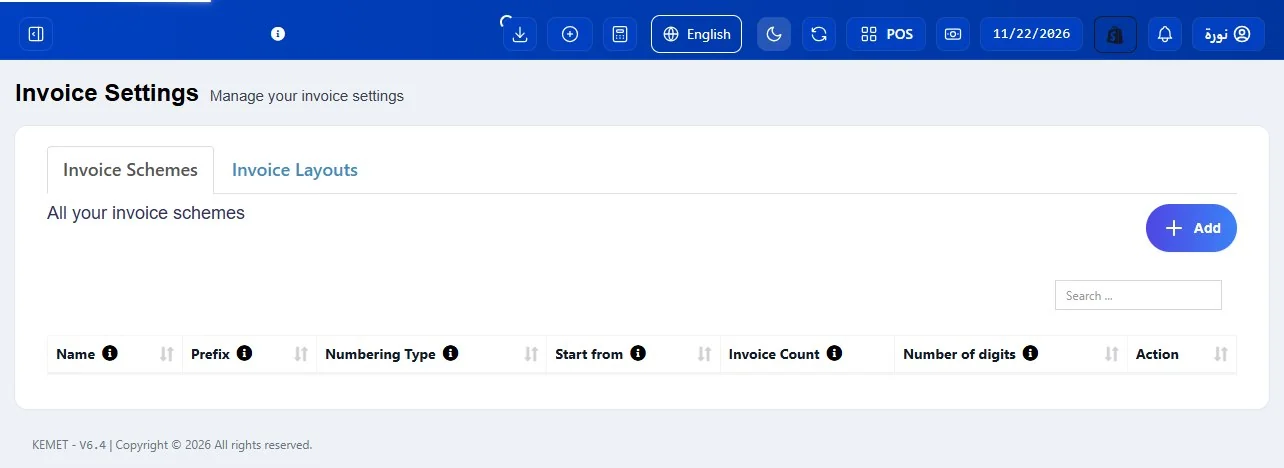
- Check the current invoice settings.
- Open the intended scheme and verify prefix and number format from its form.
- Verify the branch's assignment before saving.
- Check a training invoice for the expected format and number.
Screen path in KEMET
/invoice-schemesField reference
- Scheme name
- Identifies the numbering configuration.
- Prefix and numbering
- Check how the document reference will appear.
Worked example
Print a training invoice with the selected scheme.
Match its printed reference to the intended configuration.
Verify the result
- Check a training invoice for the expected format and number.
Troubleshooting
The result does not match the intended record.
Check the original reference, name, and filters before repeating the operation.
The screen or action is missing.
Ask the company administrator to check the add-on, menu visibility, role permissions, and branch scope.
Screen access depends on company settings, the role, and its allowed branches.