 KEMET
List Purchase Return
Review and record supplier returns against the received quantity.
Steps
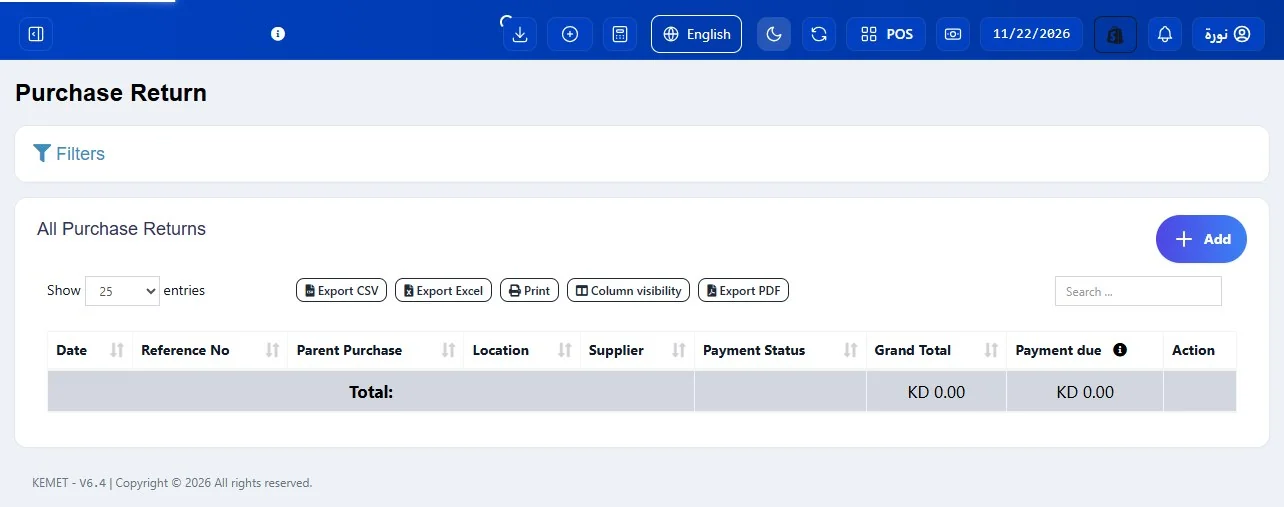
- Open the original purchase invoice.
- Match its branch, product, and variation before entering the return quantity.
- Check prior returns and the remaining returnable quantity.
- After saving, verify stock movement and the supplier balance.
Screen path in KEMET
/purchase-returnField reference
- Supplier and parent purchase
- Tie this return to the correct supplier and invoice.
- Return quantity
- Enter the quantity physically returned for the exact variation.
- Return total
- Compare the displayed value to the purchase lines and the supplier’s accepted return.
Worked example
The purchase lists eight demo units and two were returned earlier. Prepare a return for another one using the exact variation.
The return links to the original invoice. Its quantity and stock movement match the actual one-unit return.
From ChatGPT or Claude
Help me with List Purchase Return. Ask which branch, reference, or dates you need, and show the relevant data before any changes.
Verify the result
- Compare the purchase, the return and the branch stock movement after saving.
Troubleshooting
The supplier invoice might be unmatched or duplicated.
Check supplier, reference and branch, then compare lines to the saved invoice before retrying.
The screen or action is missing.
Ask the company administrator to check the add-on, menu visibility, role permissions, and branch scope.
Screen access depends on company settings, the role, and its allowed branches.