 KEMET
order-hub-settings
Configure order sources and workflows available to your company.
Steps
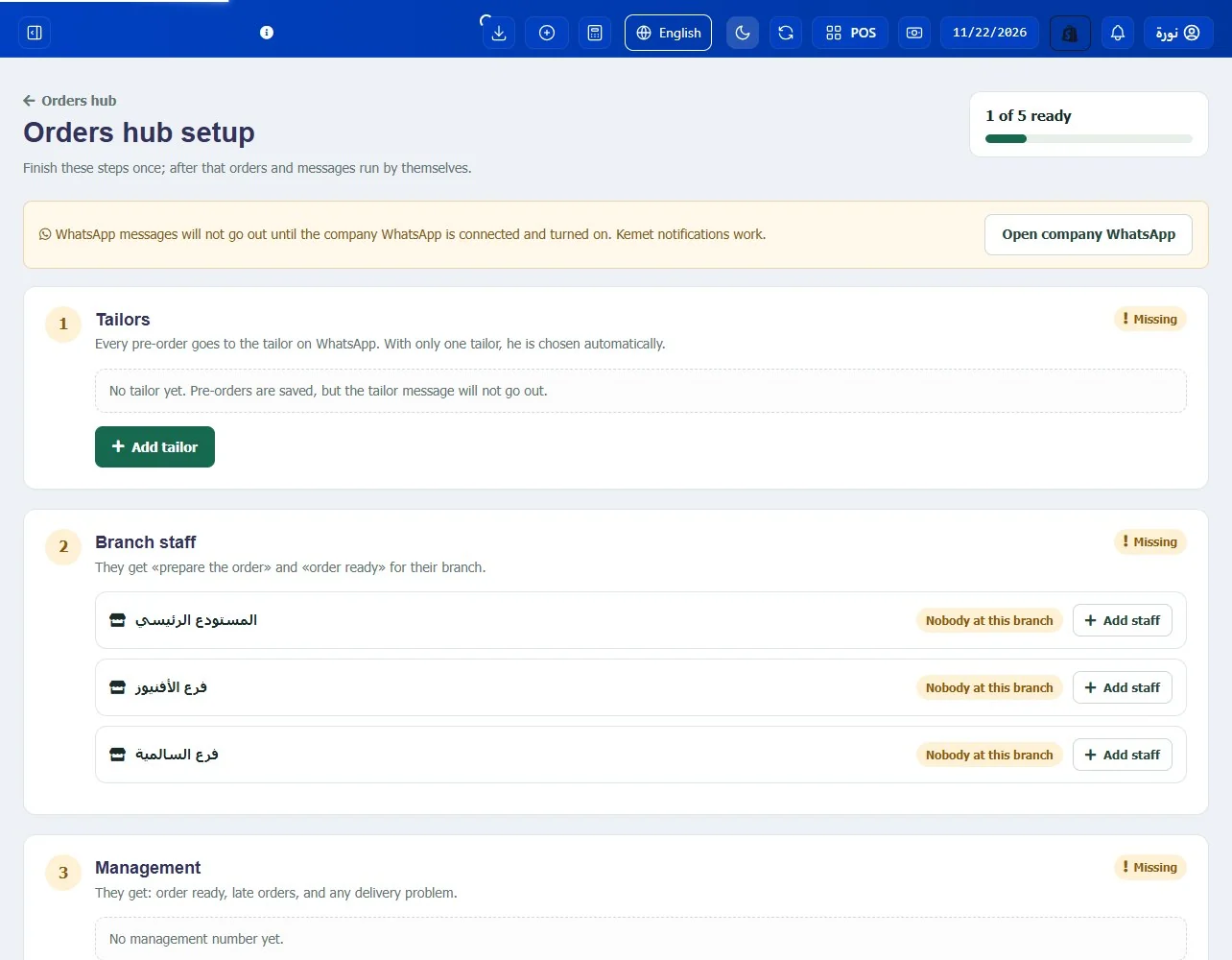
- Review current sources in Settings.
- Set visible workflow and delivery options according to company procedures.
- Save after reviewing the changed values.
- Check a training order for the intended branch to see the staff options.
Screen path in KEMET
/order-hub/settingsField reference
- Channels and assigned people
- Maintain order sources and the active contacts assigned to the relevant branch or workflow.
- Courier, payment method and branch mapping
- Select the method and map KEMET outlets to the provider’s branch codes where used.
- Delivery source and automatic dispatch
- Choose where delivery starts and enable automatic dispatch only if approved for this workflow.
Worked example
Map Downtown to its approved courier branch code. Run one authorized test order with automatic dispatch off while validating routing and payment details.
The test order uses the expected branch and courier settings and can be reviewed before dispatch.
Verify the result
- Reopen settings and verify the saved mapping and enabled options.
- Check the order’s branch and recipient before confirming a test dispatch.
Troubleshooting
The preparation or delivery action is unavailable.
Check order stage, branch, and role. Review the last recorded action before retrying.
The screen or action is missing.
Ask the company administrator to check the add-on, menu visibility, role permissions, and branch scope.
Screen access depends on company settings, the role, and its allowed branches.