 KEMET
Map
View contacts with usable address information on a map.
Steps
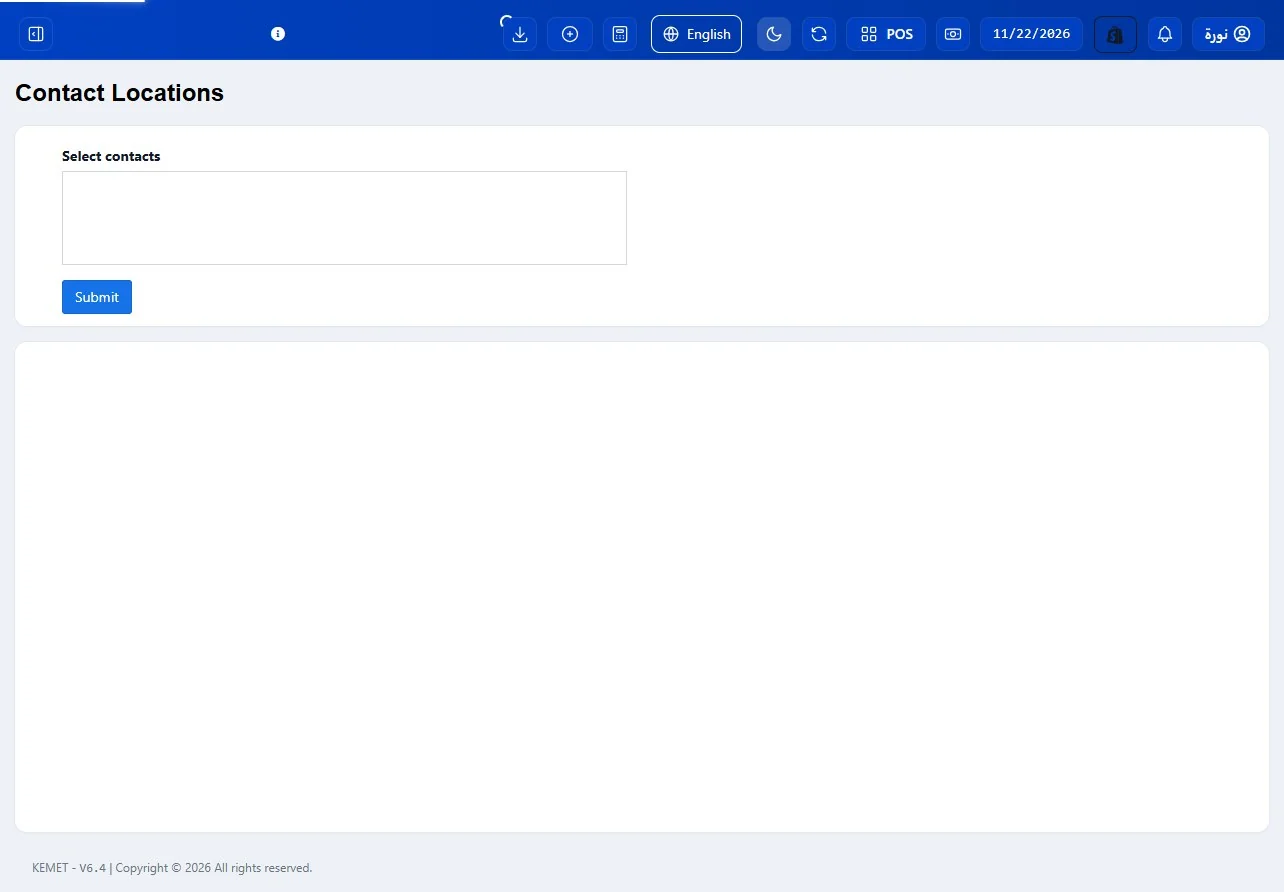
- Open Map from Contacts.
- Check the contact name on the marker.
- If a contact is missing, check their saved address using a reliable source.
- Return to the map and compare the marker to the address.
Screen path in KEMET
/contacts/mapField reference
- Contact
- Identity whose saved location you want to inspect.
- Map position
- Compare the displayed point to the saved address. The correct point depends on accurate location data.
Worked example
Look up a test customer known to be in Hawalli and compare the map with the address on the contact record.
The visible marker corresponds to the expected address, or the contact details show what needs correction.
Verify the result
- Cross-check the contact name and reference for any nearby markers.
- When a marker is missing or misplaced, check the saved location on the contact first.
Troubleshooting
The result does not match the intended record.
Check the original reference, name, and filters before repeating the operation.
The screen or action is missing.
Ask the company administrator to check the add-on, menu visibility, role permissions, and branch scope.
Screen access depends on company settings, the role, and its allowed branches.