 KEMET
Sales Commission Agents
Maintain sales commission agents used on sales where company settings enable them.
Steps
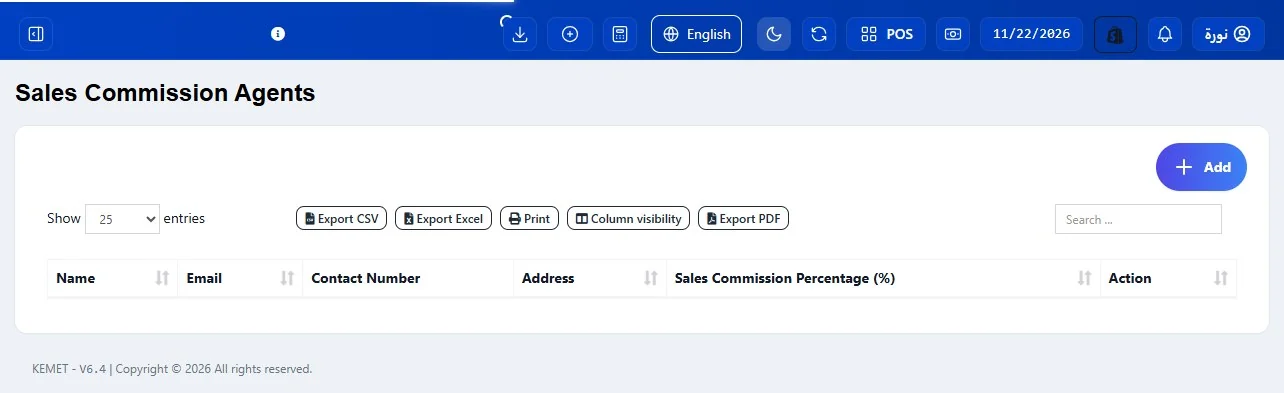
- Find the agent by name.
- For a new agent, open Add and fill in their identity details.
- Check the commission percentage before saving.
- Verify the agent is available on the sale if that feature is enabled.
Screen path in KEMET
/sales-commission-agentsField reference
- Agent
- Identifies the person associated with the sale.
- Rate
- Check the percent and applied basis for the test document.
Worked example
Use one training agent on a sale and inspect the commission outcome.
Verify the agent name and commission on the matching test record.
Verify the result
- Verify the agent is available on the sale if that feature is enabled.
Troubleshooting
The result does not match the intended record.
Check the original reference, name, and filters before repeating the operation.
The screen or action is missing.
Ask the company administrator to check the add-on, menu visibility, role permissions, and branch scope.
Screen access depends on company settings, the role, and its allowed branches.