 KEMET
Roles
Group permissions into a role for each staff responsibility.
Steps
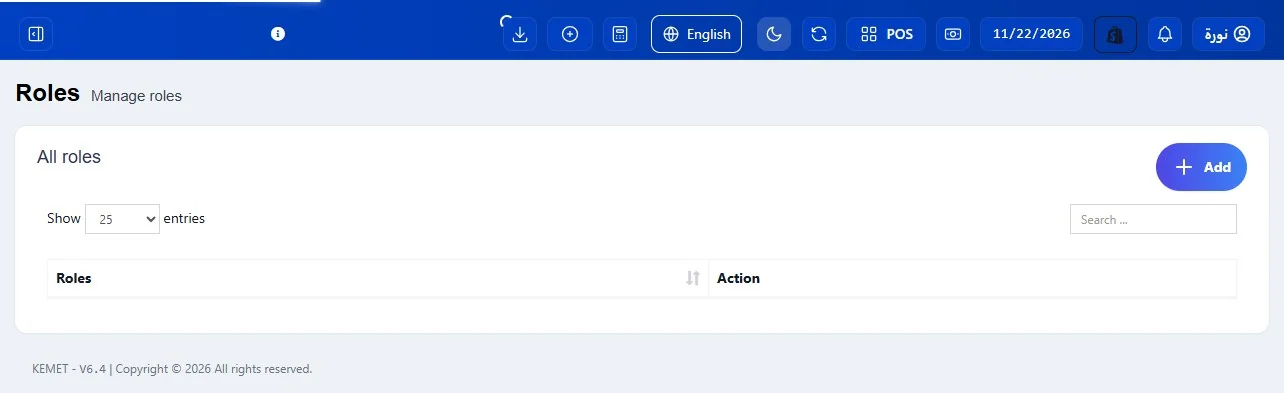
- Open the role from the list.
- Review which permissions allow reading and which allow editing.
- Check branch access with the business owner before saving.
- Verify the visible screens with an employee account that has the role.
Screen path in KEMET
/rolesField reference
- Role
- Groups access for staff with the same duties.
- Scope
- Test both the screen and branch boundary.
Worked example
Prepare a training role that can sell in one branch and cannot change products.
Test the allowed and denied actions with that role.
Verify the result
- Verify the visible screens with an employee account that has the role.
Troubleshooting
The result does not match the intended record.
Check the original reference, name, and filters before repeating the operation.
The screen or action is missing.
Ask the company administrator to check the add-on, menu visibility, role permissions, and branch scope.
Screen access depends on company settings, the role, and its allowed branches.