 KEMET
Staff Productivity
Measure each employee's efficiency by sales and processed orders
Steps
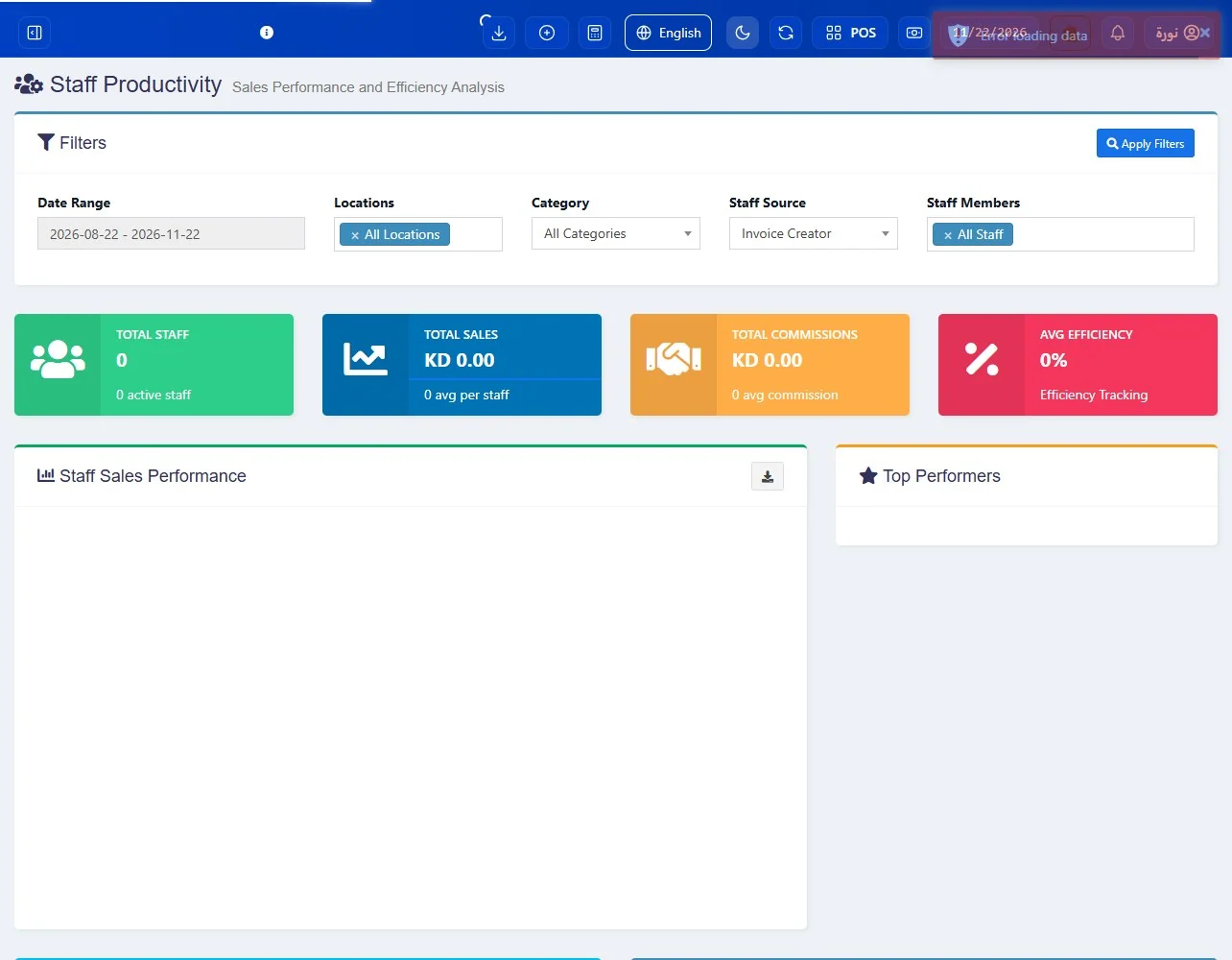
- Open Staff Productivity from the reports available to your role.
- Review the relevant controls shown on the open tab, such as Date range, Branch, Category.
- Compare staff performance with the same category and branch coverage.
- Check the matching detail before using the total or comparing the result elsewhere.
Screen path in KEMET
/advanced-reports/staff-productivityField reference
- Date range
- Set the start and end and retain the same scope for comparisons.
- Branch
- Narrow the result to the intended branch, or choose permitted branches where offered.
- Category
- Keep the intended category selection consistent across comparisons.
- Result to verify
- Compare staff performance with the same category and branch coverage.
Worked example
Choose a normal sales week, an authorized branch and the same product category. Compare the listed staff on one measure and verify a known operation.
After the review, you should be able to trace the row or value to its source under the same scope.
From ChatGPT or Claude
Show Staff Productivity from my connected KEMET company. Ask me for the scope if needed. Compare with a preceding window of the same length and filters when comparison is requested and data is available. If I request table only, return the table.
- Review the dates and scope, and keep the same scope for comparisons.
- Tie figures to their sources and identify missing or unavailable report parts before drawing conclusions.
Verify the result
- Confirm the dates, branch selection and same metric before comparing results.
Troubleshooting
The result is empty or outside the intended scope.
Check the record date and scope. Clear one active filter while keeping the intended company or branch.
The number differs from another screen.
Confirm the dates, branch selection and same metric before comparing results.
Results are empty or differ from another report.
Match periods, branches and other filters, and check which records each report counts.
The report card is missing.
Check the staff role, add-on, and any required company setting.
Requires the Advanced Reports add-on.