 KEMET
Business Analytics Dashboard
Open Business Analytics Dashboard from Advanced Reports and review its results.
Steps
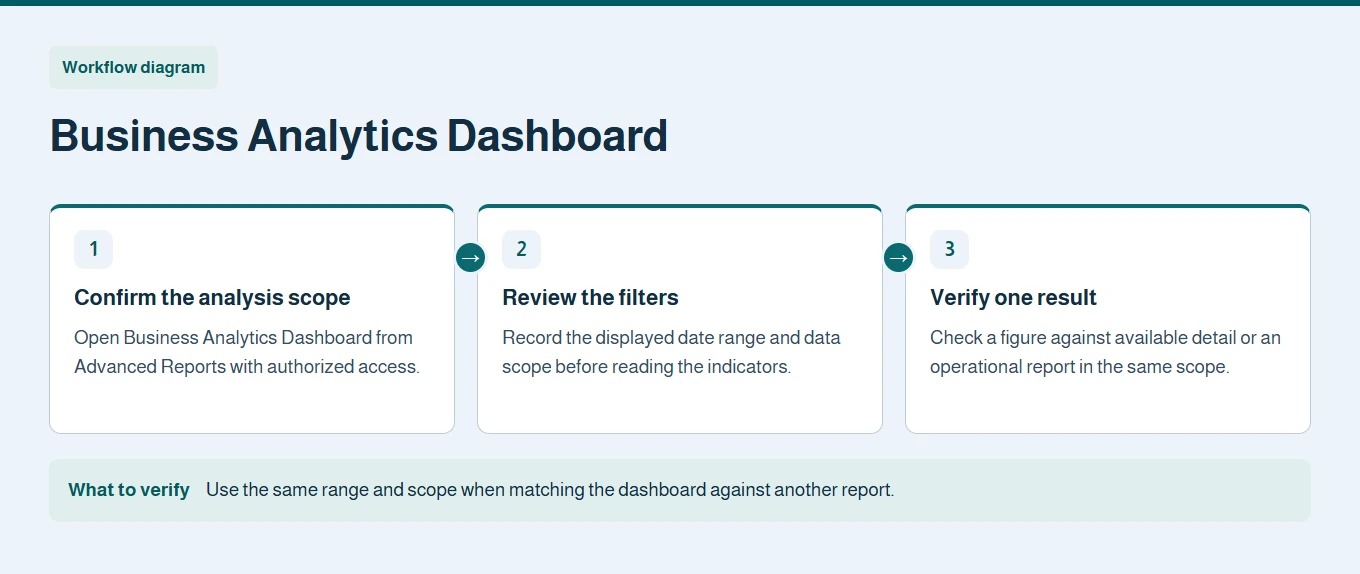
- Open the Report Center and select the Advanced Reports area.
- Use the business dashboard to locate the source for a headline number.
- Open the available card and inspect the name and controls on the destination screen.
Screen path in KEMET
/advanced-reports/business-analyticsField reference
- Report cards
- Each available card opens a separate report under your permissions.
- Review goal
- Use the business dashboard to locate the source for a headline number.
Worked example
Open the dashboard with known demo transactions. Pick one KPI and locate its supporting report before using the value in a review.
Select the report for the question and confirm the title of the destination screen.
Verify the result
- If a card is unavailable, ask the company administrator to check the report permission for your role.
Troubleshooting
The result is empty or outside the intended scope.
Check report access, module activation and available demo records.
The number differs from another screen.
If a card is unavailable, ask the company administrator to check the report permission for your role.
The result does not match the intended record.
Check the original reference, name, and filters before repeating the operation.
The screen or action is missing.
Ask the company administrator to check the add-on, menu visibility, role permissions, and branch scope.
Requires Advanced Reports and the role access applicable to this report.