 KEMET
Kemet Academy
Learn sales and inventory workflows in the tracks available to your account.
Steps
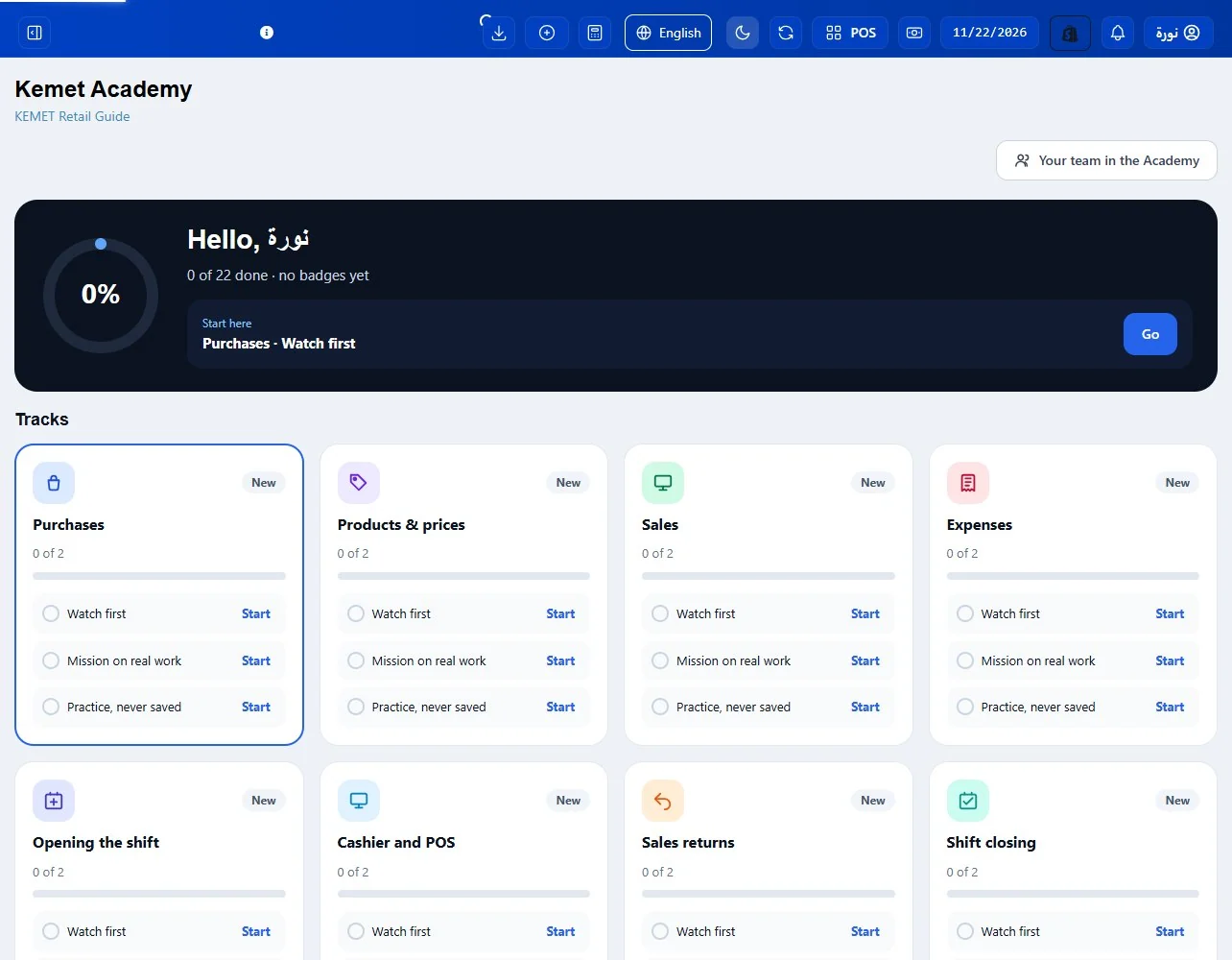
- Open KEMET Academy.
- Select a track for your role.
- Start with Watch, then use Practice or Mission as the track directs.
- Check progress and repeat any unfamiliar steps.
Screen path in KEMET
/academyField reference
- Track
- Groups lessons for a job or workflow.
- Lesson progress
- Reopen an existing lesson and follow the native workflow when prompted.
Worked example
A new cashier opens the cashier track and completes a training sale.
Review the required steps with a supervisor before working a live shift.
Verify the result
- Check progress and repeat any unfamiliar steps.
Troubleshooting
The result does not match the intended record.
Check the original reference, name, and filters before repeating the operation.
The screen or action is missing.
Ask the company administrator to check the add-on, menu visibility, role permissions, and branch scope.
Screen access depends on company settings, the role, and its allowed branches.